
When people think about cloud resilience, they often talk about backups, scaling, and monitoring.
But in real Azure architecture, foundational resilience starts with one core feature:
Availability Zones.
In every environment I manage or review, one of the first questions I ask is:
“Is this workload zone-redundant?”
Because if the answer is no — the availability posture is already weak.
Let me walk through why Availability Zones matter so much in real-world cloud operations.
What Are Azure Availability Zones?
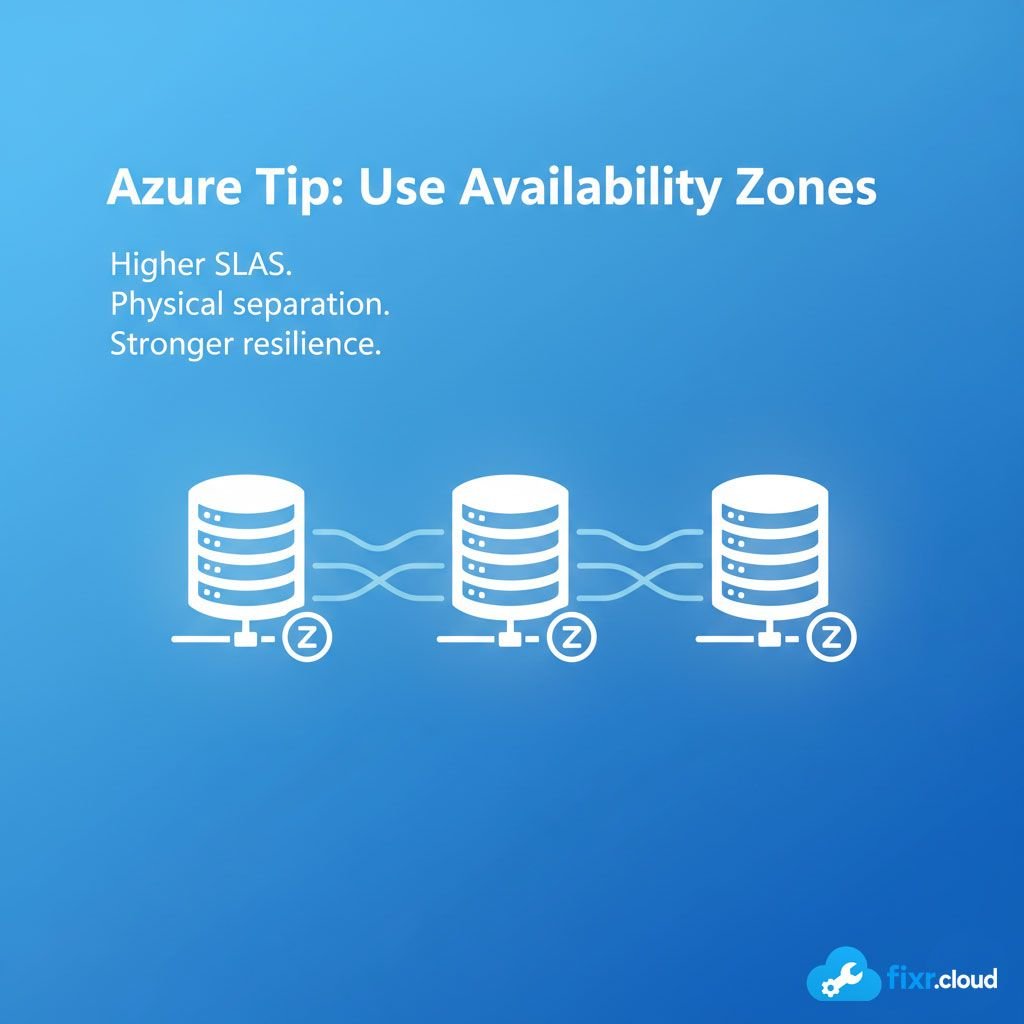
Availability Zones (AZs) are physically separate datacenters within a single Azure region.
Each zone has:
- Independent power
- Independent cooling
- Independent networking
So if one zone goes down due to a major failure, other zones continue running.
This level of separation drastically improves resilience.
Why Availability Zones Matter
1. Zone Failures Are Real — And It Happens
Regional outages are rare.
But zone-level disruptions are more common:
- Power failures
- Cooling failures
- Hardware faults
- Network isolation
- Facility-level incidents
Availability Zones protect your workloads from exactly these situations.
2. Higher SLAs for Critical Services
When you deploy across zones, Azure provides higher SLAs:
- Single VM: 99.9%
- VM in Availability Set: 99.95%
- VM across Zones: 99.99%
That difference may look small on paper, but in production environments, those additional “9s” represent hours of prevented downtime.
3. True Fault Isolation
Azure Availability Sets only protect against hardware failure within a rack.
But they do not protect against larger-scale outages.
Availability Zones provide true physical separation:
✔ Different buildings
✔ Different racks
✔ Different power grids
✔ Different network paths
This is real resilience.
4. Built for Modern Cloud Architectures
Key services now support zone redundancy natively:
- Azure Kubernetes Service
- Azure Load Balancer (Standard)
- Zone-redundant storage
- SQL Database (Business Critical)
- Key Vault (Premium)
- VPN Gateway (Active/Active)
- App Gateway v2
- Public IPs (Standard)
If I see a modern architecture not using zone redundancy, the design feels incomplete.
How I Approach Availability Zones in Real Projects
Step 1: Identify Business-Critical Components
Not every workload needs multi-zone deployment.
But for workloads with:
- Uptime requirements
- Customer impact
- Compliance needs
- High transaction volume
- Financial exposure
I always recommend zone redundancy.
Step 2: Review Supported Azure Services
Some services support zone redundancy natively, others require redesign.
Examples:
Supports Zones (Good):
- VM Scale Sets
- AKS
- Storage ZRS
- Load Balancer Standard
- SQL Business Critical
Does NOT Support Zones (Needs Care):
- Basic SKU resources
- Classic services
- Legacy architectures
Step 3: Design for Failover, Not Just Uptime
Many teams assume being “zone-redundant” means no work needed.
But real resilience requires planning:
- Stateless services
- Shared configuration
- Geo-redundant backups
- Load balancing between zones
- Health probes per zone
- Logging centralized across zones
I look at resilience holistically.
Step 4: Control Costs Without Sacrificing Availability
Zone redundancy does increase price in some cases.
But I always balance:
- Business impact
- Workload criticality
- Recovery time tolerance
- Scaling models
Often, the additional cost is justified — downtime is more expensive.
When Should You Use Availability Zones?
Here’s my simple rule:
✔ Use Zones for all production workloads
Especially:
- Customer-facing apps
- Databases
- Networking layers
- Identity services
- Payment systems
- API gateways
- Anything with business impact
✔ Optional for:
- Dev/Test workloads
- Temporary lab environments
- Short-lived workloads
Final Thoughts
High availability isn’t something you build at the end.
It starts at the foundational layer — and in Azure, that foundation is Availability Zones.
In today’s cloud landscape, zone redundancy isn’t a premium feature.
It’s a standard expectation.
This is the kind of practical cloud guidance I share at Fixr.Cloud — Smarter IT, Simplified.






