
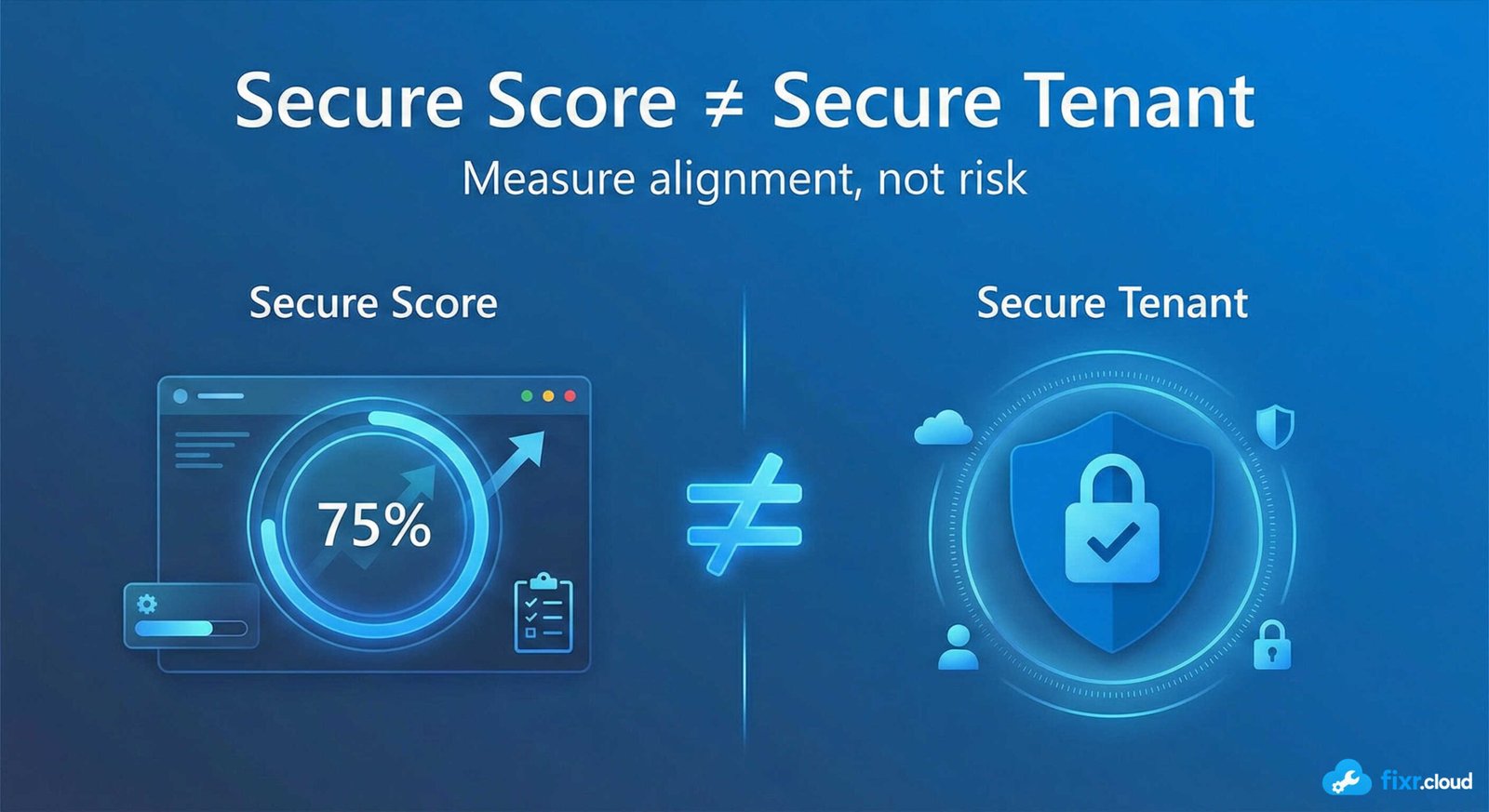
Microsoft Secure Score is often one of the first dashboards admins open when reviewing a Microsoft 365 tenant.
And that makes sense — it’s visible, measurable, and easy to track.
But over time, I’ve noticed a dangerous pattern:
Secure Score becomes the goal, instead of security.
A higher Secure Score looks good on paper, but it doesn’t automatically mean your environment is safer.
Understanding what Secure Score actually represents — and where it falls short — is critical.
What Microsoft Secure Score Actually Measures
Secure Score evaluates how closely your tenant aligns with Microsoft’s recommended security configurations.
It looks at:
- Identity protections
- MFA usage
- Conditional Access settings
- Device compliance
- Data protection controls
- App governance
Each recommendation adds points, increasing your overall score.
What Secure Score Does Well
1. Highlights Missing Baseline Controls
Secure Score is excellent at identifying:
- Missing MFA enforcement
- Weak admin protections
- Disabled security features
- Incomplete configurations
As a starting point, it’s very effective.
2. Helps Prioritize Security Improvements
Recommendations are weighted by impact, which helps admins decide what to address first.
For new or growing tenants, this is extremely helpful.
3. Tracks Improvement Over Time
Secure Score trends allow you to:
- Measure progress
- Show improvement to leadership
- Validate completed security work
This visibility has real value.
Where Secure Score Falls Short
1. Not All Recommendations Make Sense
Some recommendations:
- Conflict with business requirements
- Break user workflows
- Duplicate existing protections
- Apply only to specific scenarios
Blindly applying every recommendation can cause more harm than good.
2. Score ≠ Risk Reduction
Secure Score does not measure:
- Threat exposure
- Attack likelihood
- Business impact
- Operational risk
Two tenants with the same score can have very different risk profiles.
3. One-Size-Fits-All Guidance
Secure Score assumes a generic tenant.
But real environments differ:
- Size
- Industry
- Compliance needs
- User behavior
- Threat models
Security must be contextual.
How I Use Secure Score in Real Environments
1. As a Starting Point, Not a Target
I use Secure Score to identify gaps — not to chase points.
The goal is reduced risk, not a perfect score.
2. Evaluate Each Recommendation
Before implementing anything, I ask:
- What risk does this reduce?
- Is that risk relevant here?
- Do we already mitigate it another way?
- What’s the user impact?
Only then do I proceed.
3. Focus on High-Impact Controls
I prioritize:
- Strong MFA
- Conditional Access
- Admin role protection
- Legacy auth blocking
- Device compliance
- Data access controls
These deliver real security value.
4. Document Why Some Items Are Skipped
Not every recommendation should be implemented.
I always document:
- Why something was skipped
- What alternative control exists
- Business justification
This helps during audits and reviews.
Common Secure Score Mistakes I See
❌ Chasing 100% score
❌ Applying recommendations without testing
❌ Ignoring user impact
❌ Treating Secure Score as a compliance metric
❌ Assuming “green” means “secure”
Secure Score is a tool — not a verdict.
Final Thoughts
Microsoft Secure Score is useful, but only when used correctly.
It’s a guide, not a guarantee.
A signal, not a strategy.
Real security comes from understanding risk, applying the right controls, and balancing protection with usability.
That’s the approach I follow — and share — on
Fixr.Cloud — Smarter IT, Simplified.






