
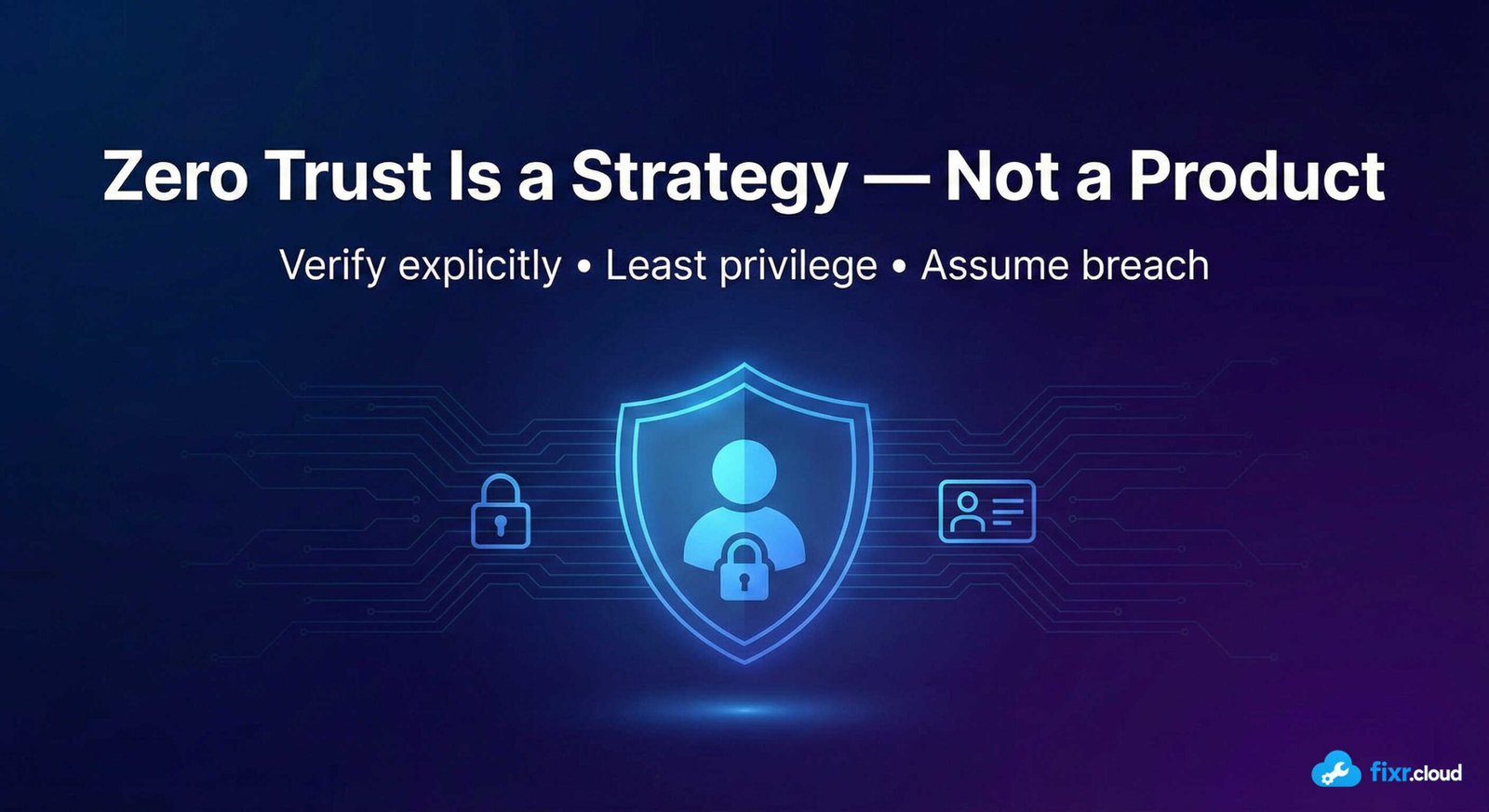
Zero Trust has become one of the most commonly used — and misunderstood — security terms.
In many environments, I see Zero Trust treated like a feature:
- Enable MFA
- Turn on Conditional Access
- Check a few boxes
And then it’s declared “done”.
In reality, Zero Trust is not a product, a setting, or a one-time project.
It’s a security mindset and operating model that changes how access is evaluated across identity, devices, data, applications, and infrastructure.
What Zero Trust Actually Means
Zero Trust is based on a simple assumption:
Assume breach.
Instead of trusting users or devices because they’re “inside the network,” Zero Trust requires continuous verification.
The three core principles are:
- Verify explicitly
- Use least privilege access
- Assume breach
Every access request is evaluated in real time using multiple signals.
Why the Traditional Security Model No Longer Works
Traditional security relied on:
- Network perimeters
- VPN access
- Trusted internal locations
But today:
- Users work remotely
- Devices are mobile
- Apps are cloud-based
- Data lives everywhere
The network is no longer a reliable security boundary.
Identity, context, and behavior are.
Zero Trust Is a Framework, Not a Feature
Zero Trust spans multiple layers:
1. Identity
Access is evaluated based on:
- User identity
- Risk level
- Authentication strength
- Privileged role
Identity becomes the primary control plane.
2. Devices
Access decisions depend on:
- Device compliance
- Health status
- Ownership
- Management state
An authenticated user on an unmanaged device is still a risk.
3. Applications
Applications are protected individually:
- Session controls
- App-level policies
- Conditional access rules
- Granular permissions
No blanket access.
4. Data
Data protection includes:
- Sensitivity labels
- DLP policies
- Encryption
- Access restrictions
Access follows the data, not the location.
5. Infrastructure
Even internal resources assume compromise:
- Network segmentation
- Private access
- Just-in-time access
- Monitoring and logging
Lateral movement is limited.
What Zero Trust Is NOT
Based on what I see in real environments, Zero Trust is not:
❌ Just MFA
❌ Just Conditional Access
❌ Just a VPN replacement
❌ Just device compliance
❌ A one-time implementation
All of these are components — not the strategy itself.
How I Approach Zero Trust in Practice
1. Start With Identity
Identity protection is always step one:
- Strong MFA
- Conditional Access
- Legacy auth blocked
- Privileged role protection
Without this, Zero Trust doesn’t exist.
2. Add Context to Access Decisions
I evaluate:
- Device trust
- Location signals
- Risk levels
- App sensitivity
Access becomes conditional — not automatic.
3. Reduce Standing Privilege
I avoid permanent admin access.
Instead:
- Just-in-time access
- Time-bound elevation
- Approval-based workflows
This limits blast radius.
4. Protect Data Explicitly
Sensitive data should never rely only on location or identity.
Classification and labeling make protection consistent.
5. Monitor Continuously
Zero Trust assumes something will go wrong.
So logging, monitoring, and alerts are essential:
- Sign-in logs
- Audit logs
- Risk events
- Unusual access patterns
Why Zero Trust Is a Journey
Zero Trust is not something you “finish”.
Environments change.
Threats evolve.
Users adapt.
Zero Trust must evolve too.
The goal isn’t perfection — it’s continuous risk reduction.
Final Thoughts
Zero Trust works — when it’s understood and applied correctly.
It’s not about adding more friction.
It’s about making smarter access decisions.
This strategic, real-world approach to security is what I focus on at
Fixr.Cloud — Smarter IT, Simplified.






