
One of the most common and dangerous assumptions I hear about Microsoft 365 is:
“Microsoft backs up our data, so we’re covered.”
This assumption is only partially true — and that’s where the risk lies.
Microsoft 365 provides high availability and data retention, but it does not provide traditional backups in the way most people expect.
Understanding this difference is critical if you care about business continuity and data recovery.
What Microsoft 365 Actually Provides
Microsoft 365 ensures:
- Platform availability
- Service resilience
- Short-term data retention
- Replication across datacenters
This protects Microsoft’s service — not your business-specific recovery needs.
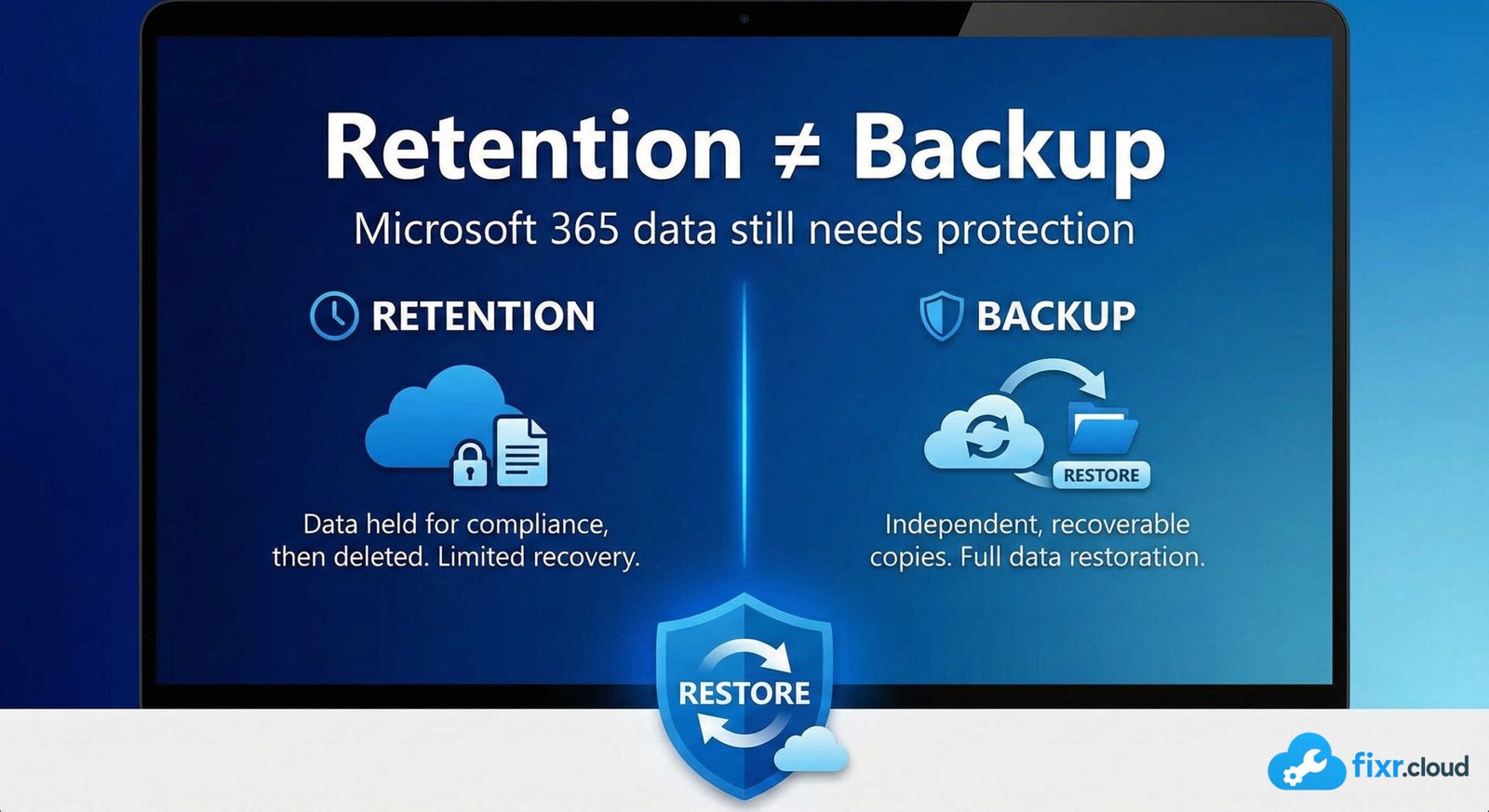
Retention ≠ Backup
Retention policies are designed to:
- Preserve data for compliance
- Prevent immediate permanent deletion
- Support legal and regulatory requirements
They are not designed for:
- Point-in-time restores
- Easy full-site recovery
- Fast mailbox rollback
- Recovery after ransomware-style damage
Once retention windows expire, data is gone.
Scenarios Retention Does NOT Handle Well
Here are real-world situations I’ve seen repeatedly:
1. Accidental Overwrites
A file is overwritten and synced across devices.
Retention might not give you the version you actually need.
2. Mass Deletions
Someone deletes thousands of files or mailboxes.
Yes, recovery might be possible — but it’s painful, slow, and incomplete.
3. Ransomware via Sync
Files get encrypted locally and synced to OneDrive/SharePoint.
Retention alone is often insufficient for clean recovery.
4. Malicious Insiders
If someone intentionally deletes or modifies data within retention limits, recovery becomes complex.
5. Long-Term Recovery Requirements
Most retention policies are time-bound.
Businesses often need recovery far beyond default retention windows.
What a Real M365 Backup Strategy Looks Like
A proper Microsoft 365 backup solution should provide:
✔ Independent copy of data
✔ Point-in-time restores
✔ Granular recovery (mailbox, site, file, folder)
✔ Fast recovery time
✔ Protection beyond retention limits
✔ Coverage for Exchange, SharePoint, OneDrive, Teams
Retention alone does not meet these requirements.
My Practical Approach to M365 Data Protection
1. Use Retention for Compliance
Retention policies are still important — especially for legal and regulatory needs.
I always keep them enabled.
2. Use Backup for Recovery
For business-critical data, I recommend:
- Third-party M365 backup solutions
- Separate storage
- Regular restore testing
This provides true recovery capability.
3. Define What Actually Needs Backup
Not all data has the same value.
I usually categorize:
- Critical business data
- Departmental data
- Temporary or low-risk data
Backup priorities should follow business impact.
Why Microsoft’s Shared Responsibility Model Matters
Microsoft is responsible for:
- Platform uptime
- Infrastructure security
- Service availability
Customers are responsible for:
- Data protection
- Access control
- Backup and recovery decisions
This is clearly documented — but often overlooked.
Final Thoughts
Microsoft 365 is reliable, secure, and resilient.
But resilience is not the same as recoverability.
If your organization depends on Microsoft 365 data — and most do — then relying only on retention is a risk.
This is the kind of practical Microsoft 365 guidance I share on
Fixr.Cloud — Smarter IT, Simplified.






