
Email is still one of the most business-critical services in Microsoft 365.
Yet, it’s also one of the areas where I see the most confusion, misconfiguration, and assumptions.
When emails are delayed, rejected, or sent to spam, Microsoft often gets blamed first.
But in my experience, the root cause is usually much closer to home.
Most Exchange Online mail flow issues are caused by design gaps, DNS mistakes, or unmanaged changes.
Let’s break this down clearly.
How Mail Flow Works in Exchange Online (At a High Level)
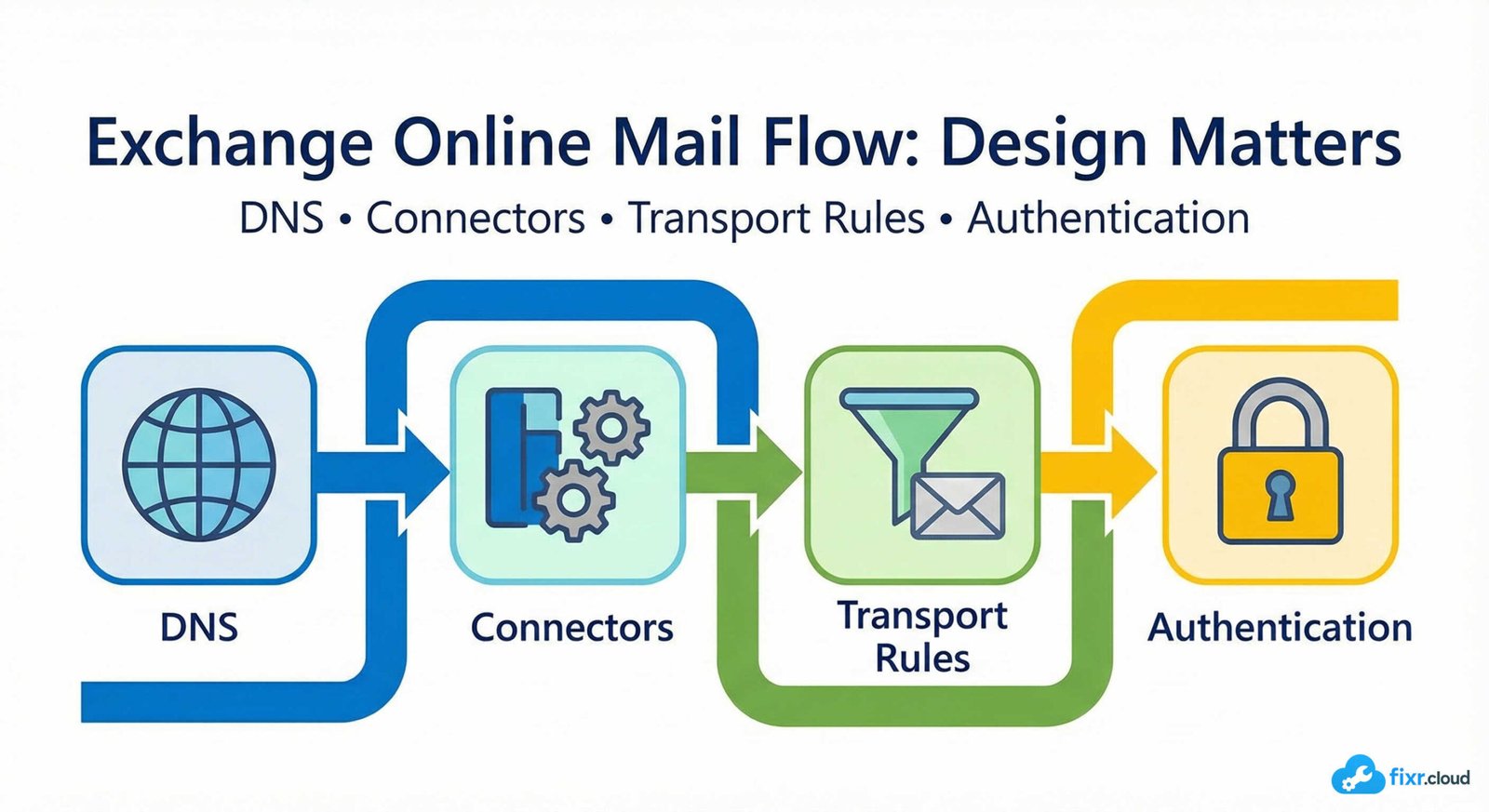
Before troubleshooting anything, it’s important to understand the basic flow:
- Email enters Microsoft 365 via the MX record
- Exchange Online Protection (EOP) evaluates the message
- Transport rules are applied
- The message is delivered to the mailbox (or rejected/quarantined)
Outbound mail follows a similar evaluation path before leaving Microsoft 365.
If any part of this chain is misconfigured, mail flow breaks.
Common Mail Flow Design Patterns
1. Direct Mail Flow (Most Common)
- MX points directly to Microsoft 365
- No third-party gateway
- Simplest and easiest to manage
2. Hybrid Mail Flow
- On-premises Exchange + Exchange Online
- Requires connectors and hybrid configuration
- Very sensitive to misalignment
3. Third-Party Gateway in Front
- Proofpoint, Mimecast, etc.
- Requires strict connector rules
- Often the source of hidden issues
Understanding which model you’re using is critical before troubleshooting.
What I Always Check First During Mail Flow Issues
1. Accepted Domains
Every domain must be:
- Verified
- Set correctly (Authoritative vs Internal Relay)
Incorrect domain type causes:
- NDRs
- Looping
- External delivery failures
2. MX Records
I verify:
- Correct Microsoft 365 MX target
- No old or duplicate MX records
- Priority is correct
Old MX records are a surprisingly common cause of intermittent failures.
3. SPF, DKIM, and DMARC
Misaligned authentication leads to:
- Spam filtering
- Rejected emails
- Poor sender reputation
I always ensure:
- SPF includes all sending sources
- DKIM is enabled and aligned
- DMARC is configured (at least
p=noneinitially)
4. Connectors
Connectors are powerful — and dangerous when unmanaged.
I review:
- Source IP ranges
- TLS requirements
- Scope and restrictions
- Direction (Inbound vs Outbound)
Incorrect connectors can override default mail flow behavior completely.
5. Transport Rules
Transport rules can:
- Redirect
- Block
- Modify headers
- Apply disclaimers
- Route messages externally
I’ve seen single rules cause tenant-wide issues.
Rule reviews are mandatory.
Why “It Worked Yesterday” Is Not a Guarantee
Mail flow issues often appear suddenly because:
- DNS was changed
- A connector was modified
- A new gateway was introduced
- A security policy was tightened
- A third-party service rotated IPs
Email is sensitive to small changes — which is why documentation and change tracking matter.
My Best Practices for Stable Mail Flow
1. Keep the Design Simple
Complex mail flow = fragile mail flow.
If there’s no strong reason for third-party routing, avoid it.
2. Document Every Change
Mail flow should never be a mystery.
I always document:
- DNS changes
- Connector logic
- Rule intent
- Exceptions
3. Monitor Message Trace Regularly
Message trace is your best friend.
I use it to:
- Identify delays
- Track rejections
- Validate routing
- Confirm connector behavior
4. Review Authentication Regularly
SPF/DKIM/DMARC are not “set once and forget.”
They must evolve as:
- New services are added
- Old systems are removed
Final Thoughts
Exchange Online mail flow is extremely robust — but it expects clean configuration and clear design.
When mail flow is designed properly, issues are rare.
When it isn’t, problems are constant and hard to diagnose.
This is the type of real-world Microsoft 365 operational guidance I share on
Fixr.Cloud — Smarter IT, Simplified.






