
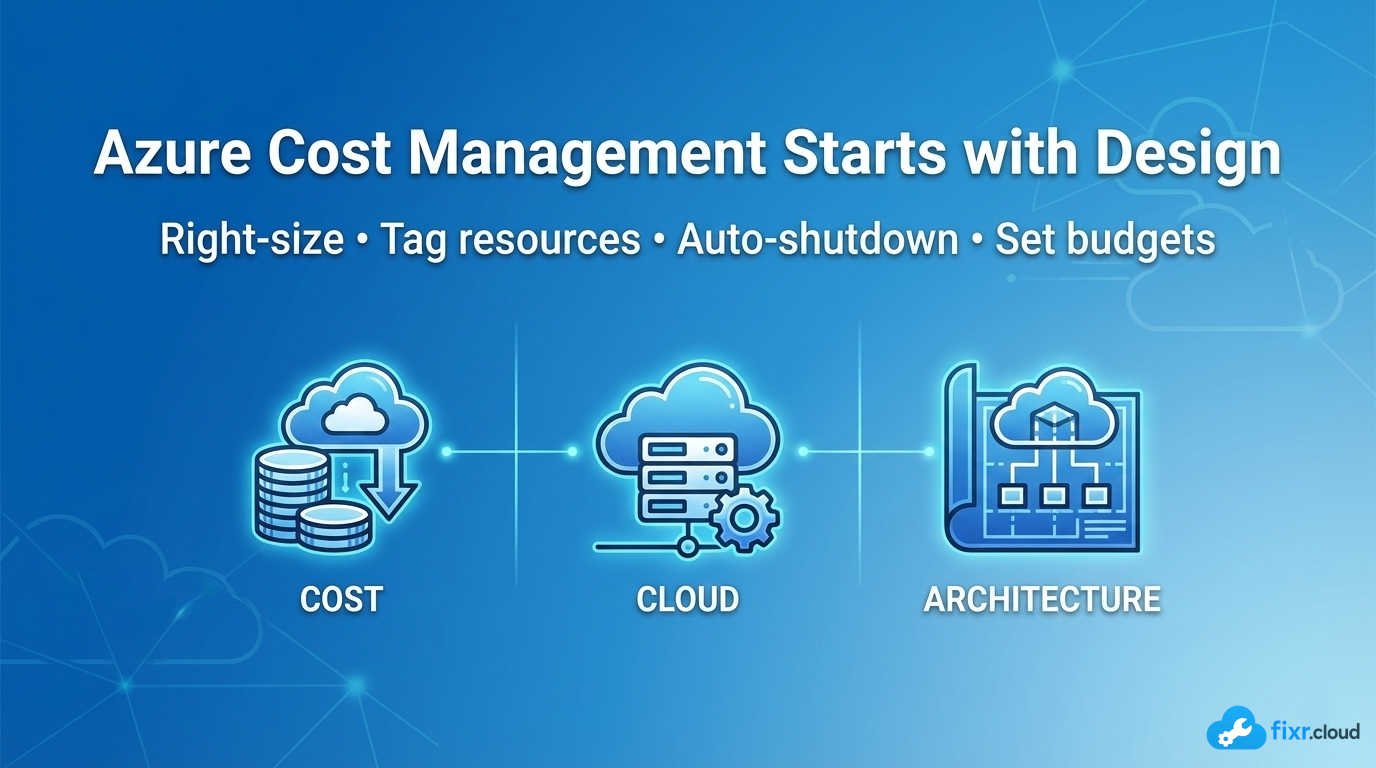
One of the most common conversations I’m involved in around Azure isn’t about performance or security — it’s about cost.
And almost every time, the same pattern appears:
Cloud cost is noticed after the bill arrives.
That’s a problem.
In my experience, effective Azure cost management doesn’t start in finance dashboards — it starts with design decisions, governance, and daily operational habits.
Why Azure Costs Spiral So Easily
Azure makes it incredibly easy to deploy resources.
And that convenience is exactly why costs grow quietly.
Common causes I see repeatedly:
- Over-sized VMs chosen “just to be safe”
- Dev/Test resources running 24/7
- Unused disks and IPs left behind
- No ownership tagging
- No budgets or alerts
- No regular cost reviews
None of these are Azure problems.
They’re governance gaps.
Azure Cost Management Is an Engineering Responsibility
Cost optimization isn’t about cutting corners — it’s about using the right resources the right way.
As engineers and admins, we directly influence cost by:
- Choosing VM SKUs
- Designing scalability
- Deciding redundancy models
- Enabling auto-shutdown
- Selecting storage tiers
- Designing networking flows
That’s why I treat cost awareness as part of architecture — not an afterthought.
How I Approach Azure Cost Management
1. Right-Sizing from Day One
I avoid “future-proofing” by oversizing.
Instead:
- Start with realistic SKUs
- Monitor performance
- Scale only when needed
Azure Monitor + Cost Analysis together make this easy.
2. Mandatory Auto-Shutdown for Non-Prod
Dev, Test, and Lab environments must have auto-shutdown.
No exceptions.
This single step saves thousands over time and reduces waste significantly.
3. Tagging for Cost Ownership
Without tags, cost management is guesswork.
At minimum, I enforce:
- CostCenter
- Owner
- Environment
- Application
This makes cost reviews actionable instead of confusing.
4. Budgets and Alerts Are Not Optional
I always configure:
- Subscription-level budgets
- Alert thresholds (50%, 75%, 90%)
- Notifications to both IT and finance
This ensures there are no surprises at month-end.
5. Regular Cost Reviews
Cloud environments change constantly.
I schedule:
- Monthly cost reviews
- Quarterly optimization checks
- Cleanup of unused resources
Cost optimization is continuous — not a one-time task.
Where Azure Cost Management Tools Help
Azure provides excellent built-in tools:
- Cost Analysis
- Budgets
- Advisor recommendations
- Exported cost reports
- Tag-based filtering
When used consistently, these tools give full visibility and control.
Common Cost Mistakes I Still See
Some patterns repeat across organizations:
- Paying for Premium storage when Standard is enough
- Keeping idle resources “just in case”
- Ignoring Advisor recommendations
- No accountability for spend
- Treating cost as a finance-only metric
These are all avoidable with better operational discipline.
Final Thoughts
Azure cost management isn’t about spending less — it’s about spending smart.
When cost awareness is built into architecture, governance, and daily operations, cloud becomes predictable and sustainable.
That’s exactly the philosophy I follow — and share — on Fixr.Cloud — Smarter IT, Simplified.






