
Identity threats keep evolving, but one detection method continues to be incredibly effective across every Microsoft 365 environment I work with: Impossible Travel.
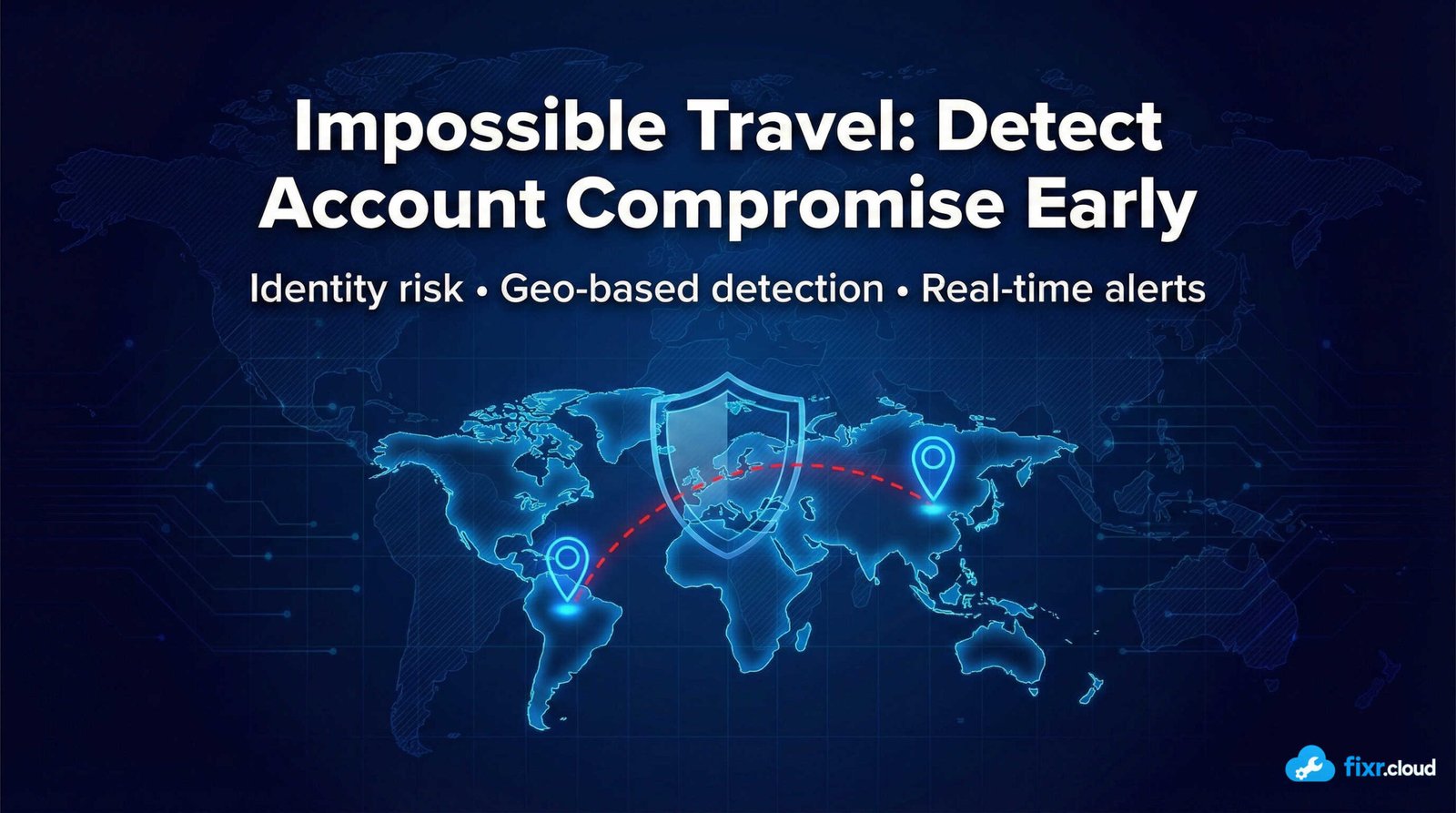
Impossible Travel alerts occur when a user signs in from one location, and then very shortly afterward from another location that is geographically impossible to reach in that timeframe.
For example:
- A user signs in from India
- Two minutes later a sign-in appears from Germany
That’s not travel — it’s a credential compromise.
In my experience, Impossible Travel is one of the most reliable and accurate indicators that something is wrong.
Why Impossible Travel Works So Well
1. Attackers Often Log In from Other Countries
Most malicious sign-ins come from:
- VPNs
- Remote IP ranges
- Different continents
- Malicious infrastructure
These locations rarely match the user’s normal login patterns.
2. Attackers Regularly Use Stolen Passwords
If credentials leak:
- Attacker logs in
- User logs in normally
- Two logins appear very close together
The alert fires instantly.
3. Detects Stolen Session Tokens
Even if the attacker bypasses MFA via:
- Token replay
- Browser token theft
- Session hijacking
- OAuth token extraction
Impossible Travel sees the geographic mismatch.
4. Very Hard for Attackers to Evade
Because attackers often operate far from the user’s geography, Impossible Travel quickly exposes them.
VPNs don’t help — the risk engine can detect improbable patterns.
What Impossible Travel Actually Detects
Entra ID analyzes:
- Login times
- IP addresses
- Locations
- Device types
- Authentication patterns
- Travel speed calculation
- Typical user behavior
If the location changes too quickly to be credible, the sign-in is flagged.
How I Use Impossible Travel in Real Environments
1. Treat Every Alert as High Priority
Impossible Travel is rarely a “false alarm.”
When I see:
- Sign-ins from unfamiliar countries
- Rapid geographic movement
- First-time sign-ins from risky IPs
- Abnormal time-of-day patterns
I investigate immediately.
2. Check Sign-In Details
I look for:
- Device type
- OS
- Browser version
- Authentication method
- MFA result
- IP reputation
Often you can tell instantly if it’s malicious.
3. Lock the Account if Needed
If it looks compromised:
- Reset password
- Revoke sessions
- Re-require MFA
- Review sign-in history
- Check for mailbox rules
- Check for OAuth apps
Attackers often leave traces.
4. Strengthen Conditional Access
I apply policies to:
- Block risky sign-ins
- Require MFA for unusual access
- Enforce compliant devices
- Restrict high-risk countries
This reduces future incidents.
5. Educate Users
Users should understand:
- Why MFA prompts suddenly occur
- Why they must report unexpected prompts
- That international sign-ins are suspicious
Simple awareness goes a long way.
Common Misconceptions About Impossible Travel
❌ “It’s just a location glitch.”
Very rarely. Risk detection is far better now.
❌ “VPNs cause impossible travel.”
Usually not — risk engine accounts for known VPN ranges.
❌ “Users travel a lot, so this doesn’t matter.”
Travel history still can’t explain instant jumps across continents.
❌ “It’s not a big deal.”
It’s often the very first sign of an active attack.
Final Thoughts
Impossible Travel is one of the simplest yet most effective identity detection signals in Microsoft 365.
It often reveals compromise before attackers escalate privileges, create backdoors, or start lateral movement.
If you monitor only one identity risk signal in Entra ID, make it this one.
This is the type of identity-first security guidance I share at Fixr.Cloud — Smarter IT, Simplified.






