
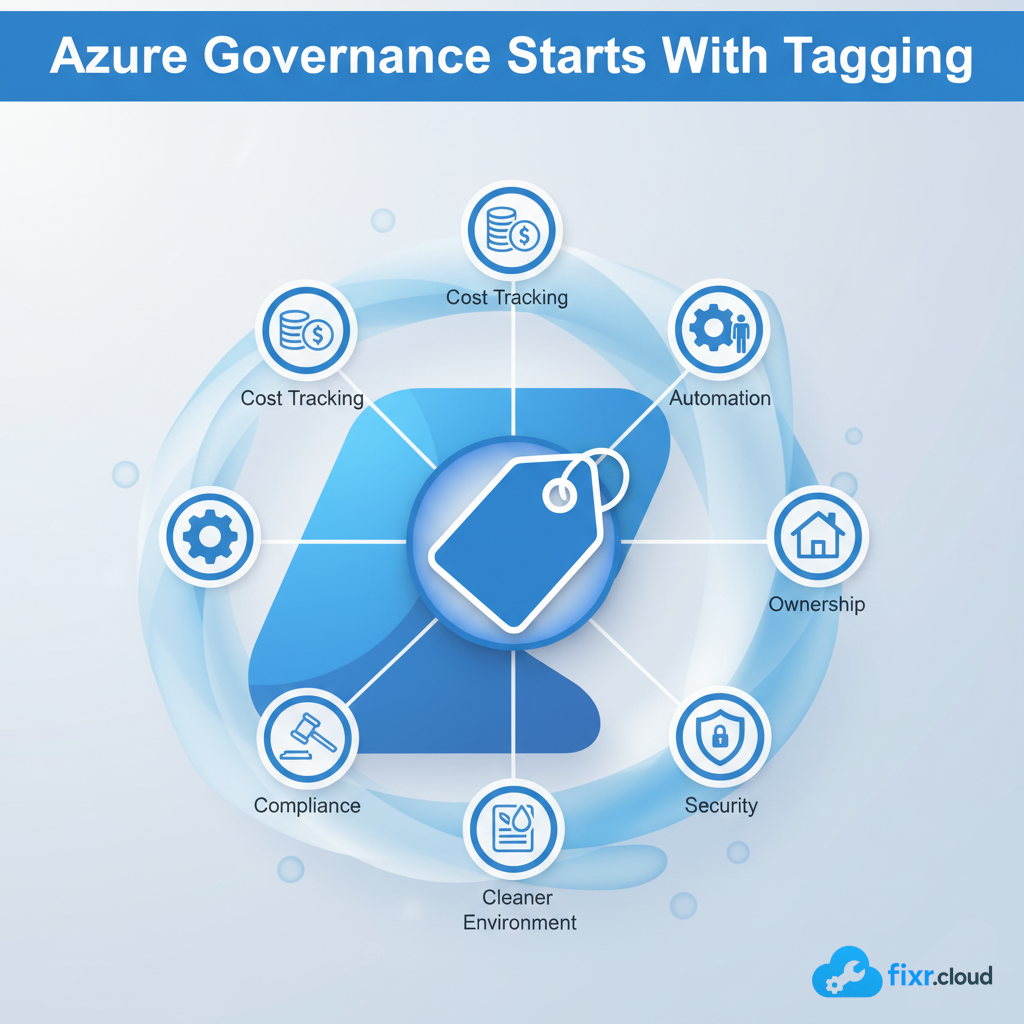
The Most Underrated Azure Governance Practice: Why Tagging Should Be Mandatory (My Real-World Approach)
Every time I work inside an Azure environment — whether it’s for an audit, a cleanup project, or a major redesign — there is one governance control that’s missing in almost every tenant:
Consistent and meaningful resource tagging.
And honestly, it’s surprising.
Because tagging is one of the simplest, most powerful, and most impactful features in Azure governance. Yet it’s often treated as optional.
In this article, I want to share how I personally approach tagging, why it matters, what can go wrong without it, and the exact tag standards I recommend.
Why Azure Tagging Matters More Than People Think
Tags are small pieces of metadata you attach to Azure resources.
But the impact they create is huge.
Here are the areas where tagging makes a real difference in day-to-day Azure operations:
1. Cost Management
Azure Cost Management relies heavily on tags to break down spending.
Without proper tags, you can’t easily answer questions like:
- “Which department is spending the most?”
- “What does this app cost per month?”
- “Who owns this VM that’s costing us ₹5,000/day?”
Tagging brings cost visibility, which prevents unnecessary expenses.
2. Automation & Governance
Most Azure automation depends on tags.
Examples:
- Automatically shutting down Dev VMs at night → based on
Environment=Dev - Backing up only mission-critical workloads → based on
Tier=Critical - Applying policies based on department or workload
Automation becomes far easier when your resource metadata is consistent.
3. Security & Compliance
Governance tools like Azure Policy can enforce:
- Mandatory tags
- Allowed tag names
- Allowed values
- Cost center tracking for audits
Without tags, enforcing compliance becomes nearly impossible.
4. Resource Ownership
This is one of the biggest issues I see:
Teams create resources and forget about them.
Later, nobody knows:
- Who created it
- Who owns it
- Whether it’s still needed
A simple Owner tag solves this permanently.
What Happens When Tagging Is Ignored
Here are real-world problems I’ve seen repeatedly:
- Unused VMs running for months
- Storage accounts orphaned after projects end
- Backup policies not applied because automation failed
- Bill shock when cost tracking breaks
- Difficulty identifying which team owns a failing resource
- “Ghost” resources leftover from migration projects
All of these problems are preventable with proper tagging.
My Recommended Azure Tagging Standards
Whenever I help design or clean up Azure environments, I start with a simple but strict tagging structure.
Here’s the model I personally use:
Mandatory Tags
These should be present on every resource:
| Tag Name | Purpose |
|---|---|
| Owner | Who is responsible for this resource |
| Environment | Prod / Dev / Test / QA |
| CostCenter | For financial tracking |
| Application | App or project name |
| Department | HR / Finance / IT / Sales |
| Criticality | Critical / High / Medium / Low |
This structure keeps things clean, trackable, and future-proof.
How I Enforce Tagging in Azure
I follow a simple three-step flow:
Step 1: Enforce with Azure Policy
Azure Policy lets you:
- Require tags
- Block deployments without tags
- Add missing tags automatically
- Inherit tags from resource groups
I always start with policy enforcement so standards cannot be bypassed.
Step 2: Clean Existing Resources
Before enforcing strictly, I review:
- Which resources have no tags
- Which have inconsistent values
- Which belong to old or unknown workloads
Then I fix them manually or via PowerShell.
Step 3: Automate Ongoing Compliance
After clean-up, I implement:
- Scheduled PowerShell scripts
- Automated reporting
- Policy compliance alerts
- Governance dashboards
This ensures tagging stays healthy long-term.
Real-World Outcome: Why Tagging Is Worth It
Every environment where I introduced strict tagging experienced:
✔ Lower monthly Azure bills
✔ Smooth automation workflows
✔ Better operational visibility
✔ Less troubleshooting guesswork
✔ Stronger accountability
✔ Improved financial reporting
✔ Faster cloud maturity
Tagging is small — but the benefits are massive.
Final Thoughts
In my experience, tagging is the easiest governance control to implement and the one that gives the highest return on effort.
Azure becomes more predictable, easier to manage, and easier to optimize when resources are tagged correctly.
If you’re running an Azure environment — large or small — tagging should be mandatory. Your future self will thank you.






